
You fly the car
Rotation is fully manual: you turn the car yourself in midair and countersteer before touchdown to stop the spin. Once the wheels are down, landing jets brake automatically.
Arcade driving • Physics
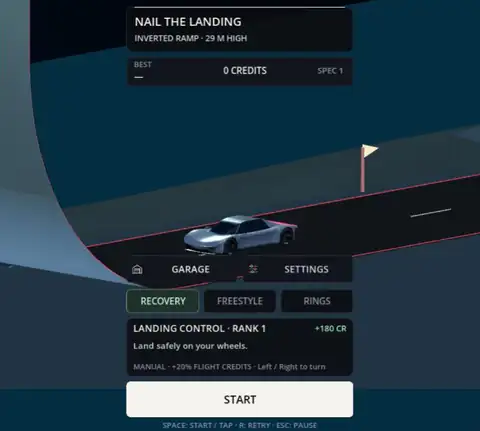
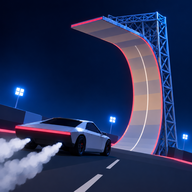
Launch a sports car up a 29-metre inverted ramp, flip it through the air and bring it down on all four wheels. Every run is short, every landing is judged, and every attempt teaches you something about the next one.
Opens the full game on Delites. Free to play in your browser – no download or account needed.
Why it plays differently
Rotation is fully manual: you turn the car yourself in midair and countersteer before touchdown to stop the spin. Once the wheels are down, landing jets brake automatically.
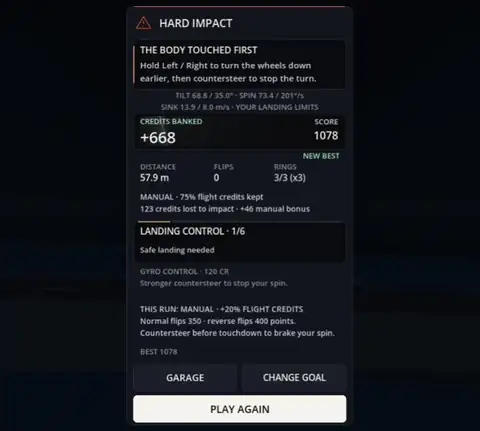
Crash or stick it, the game shows your tilt, spin and sink speed against your landing limits and tells you what to change – for example, turning the wheels down earlier.
Pick a goal – Recovery, Freestyle or Rings – and bank credits from each run. Spend them in the garage on upgrades such as Gyro Control for a stronger countersteer.
How to play
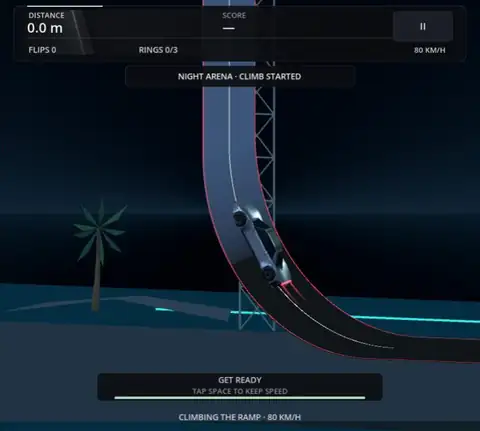
Build speed on the climb, leave the ramp, collect flips and rings in the air, then line the car up so it lands safely on its wheels. A clean landing completes the goal and banks your credits; a hard impact costs part of them.
Normal flips are worth 350 points and reverse flips 400. Rings add a bonus, and the landing gauge shows your height and time to touchdown so you can line up in time.
| Start a run | Space, or tap Start |
|---|---|
| Keep speed on the climb | Space, or tap on the climb |
| Rotate in midair | Left / Right arrow keys; on touch screens, slide to turn |
| Retry | R, or Play Again after a run |
| Pause | Esc, or the pause button |
Screenshots